Blood pressure and pulse
Readings in sessions, with the time, the monitor used and a note. Values are stored exactly as you enter them.
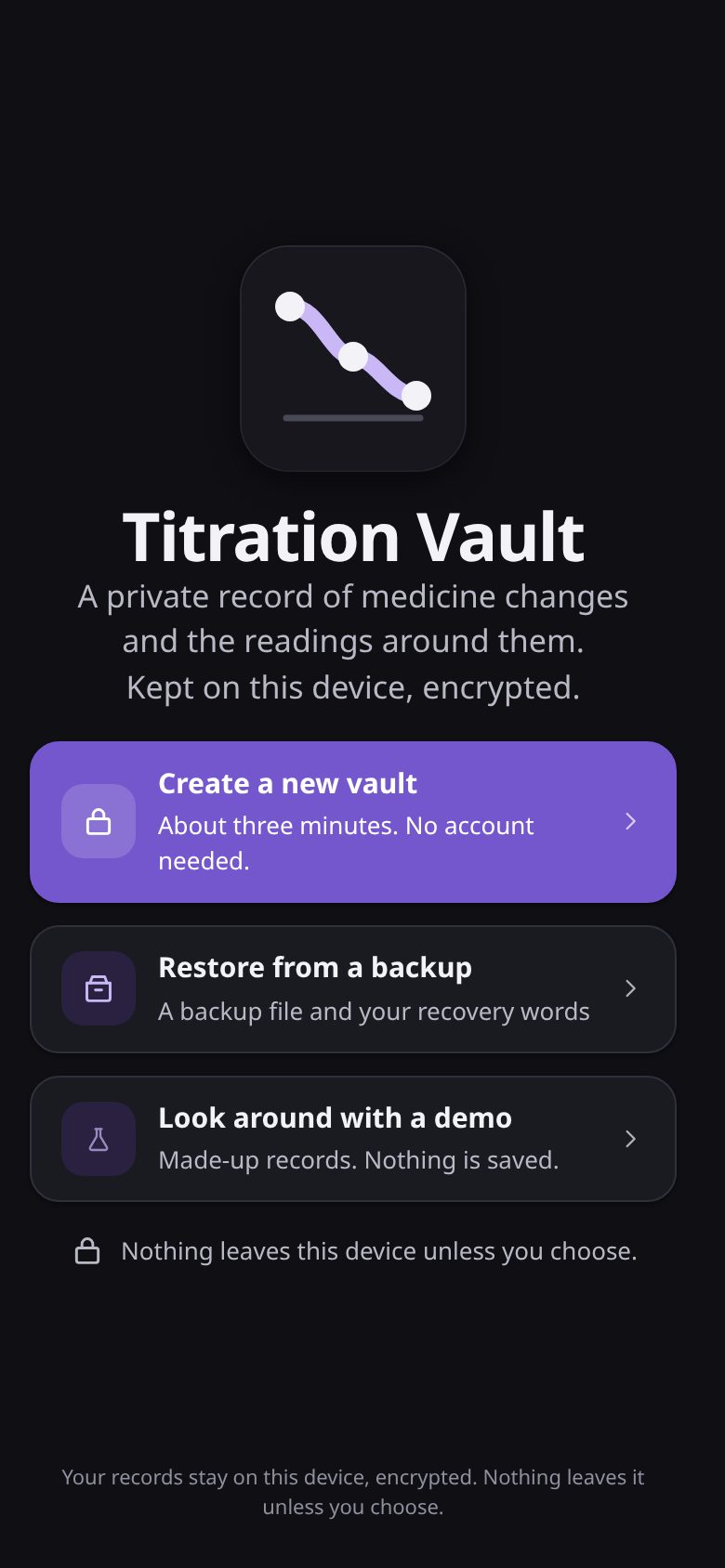
Titration Vault is a free app for people whose prescriber is changing a dose, for example of an ADHD medicine. It keeps readings, doses and notes on your device, charts them with each dose change marked, and prints a summary for your appointment.
Nothing leaves your device unless you choose.
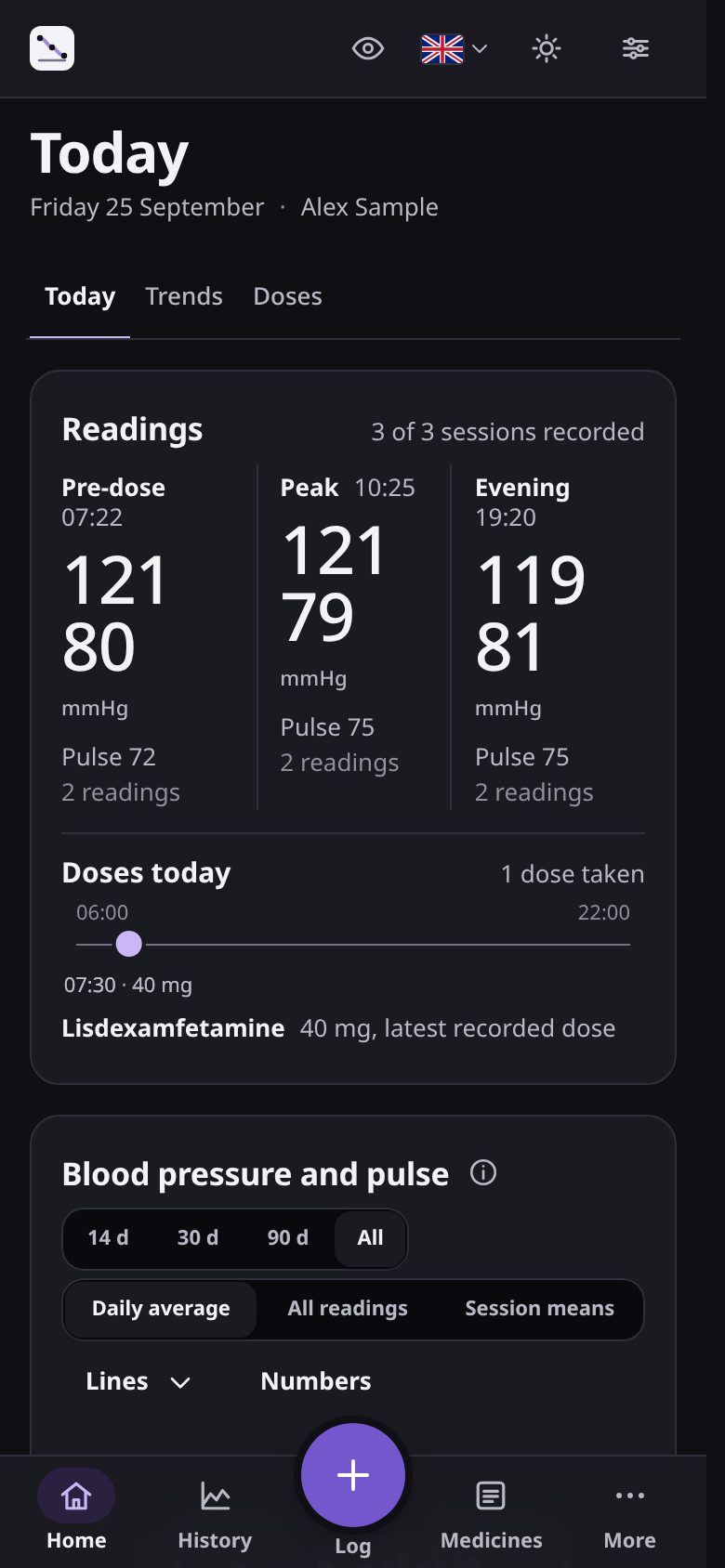
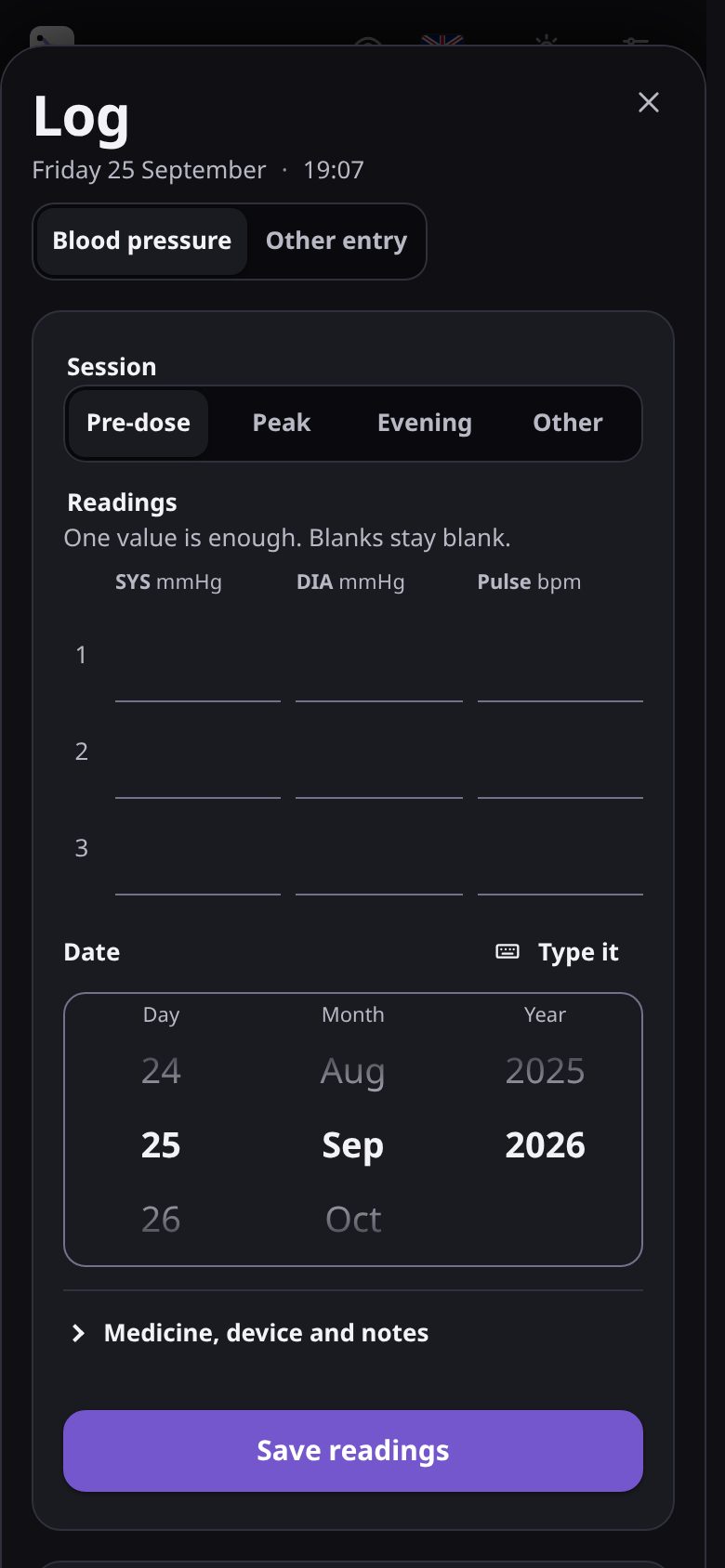
Enter a blood pressure reading, a dose or a note. You can take several readings in one session and keep each value as measured.
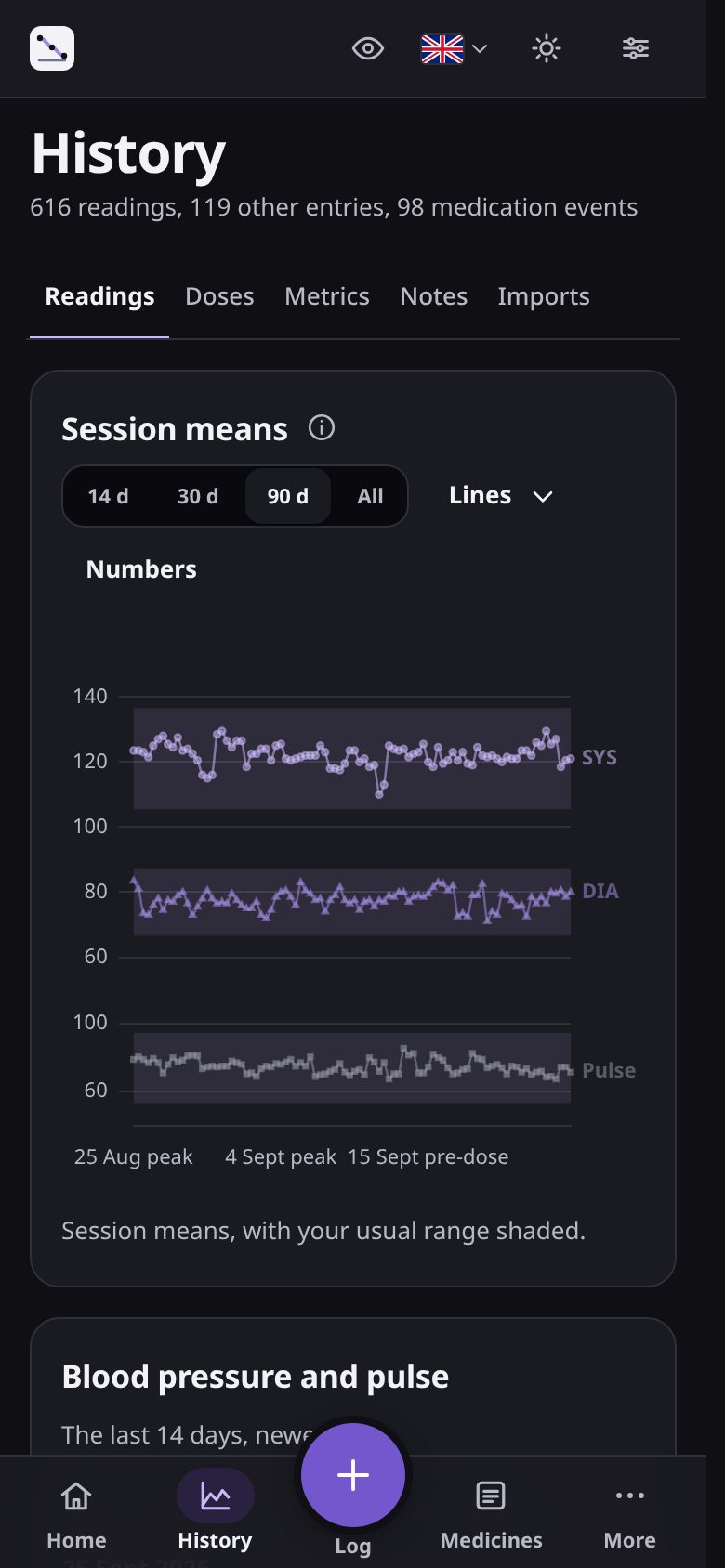
History and charts show your readings by day or one by one, with every dose change marked on the same chart.
Print a summary or export CSV or JSON for your prescriber. Back up the whole record as an encrypted file.
Shown with the demo profile's invented data.
Today's sessions, doses and the last few weeks at a glance.
Up to three readings per session. Blanks stay blank.
Every reading, averaged by session, with your usual range shaded.
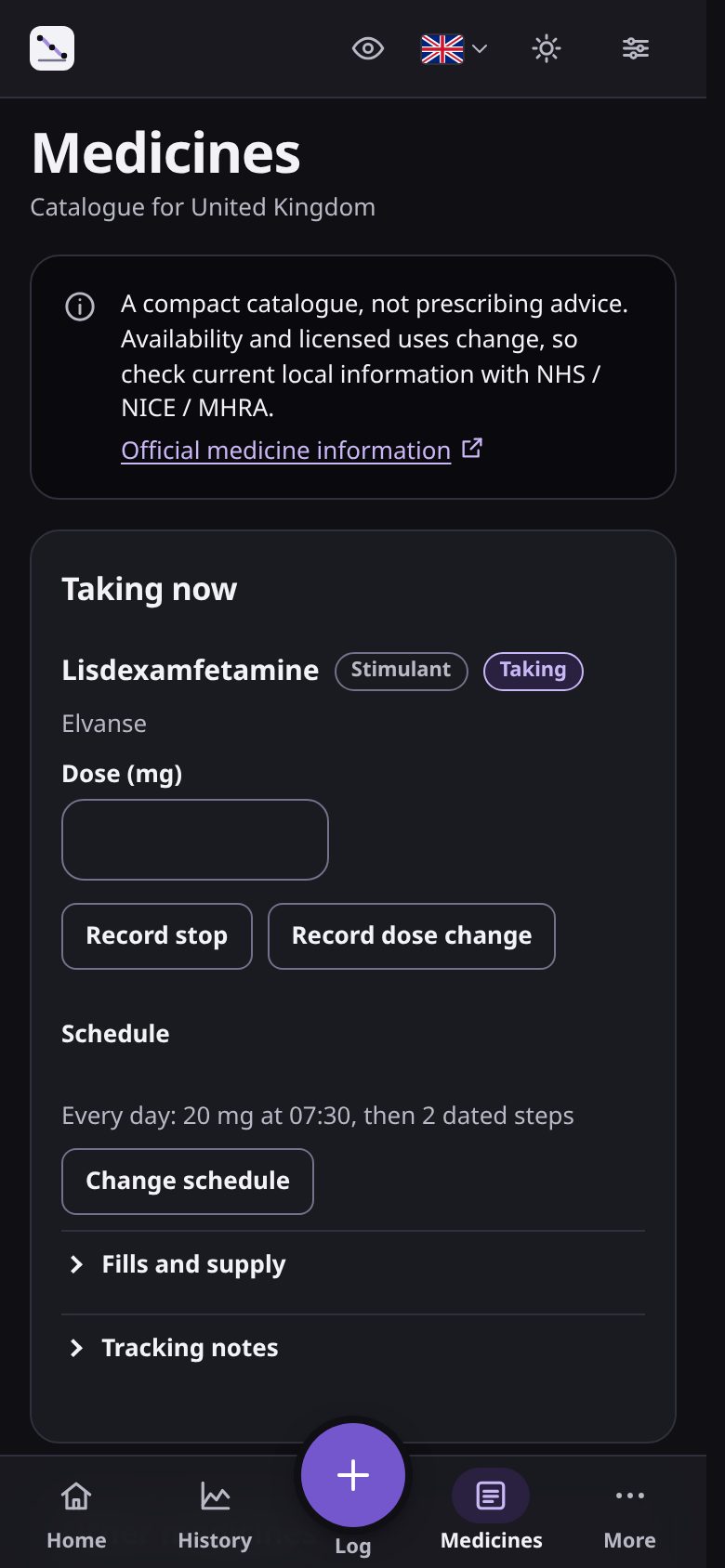
Schedules, doses taken and each change of dose.
On a laptop the app lays out History with the chart, the table and the selected reading side by side. It is the same app, installed from the browser.

Blood pressure and medicines are the core. Other areas are optional.
Readings in sessions, with the time, the monitor used and a note. Values are stored exactly as you enter them.
Each medicine with its schedule, the doses you take and every change of dose. A plan you were given can be entered as dated steps.
Daily averages or single readings over weeks or months, with each recorded dose change drawn as a line.
Every area starts switched off, including blood pressure. Turn on the ones you use, such as weight or sleep, and add measures of your own.
On your device, in your browser's storage, encrypted with a key that only your passkey, passphrase or recovery words unlock. There is no advertising and no tracking of what you record, and no copy on a server unless you turn on sync.
Each release lists every file the site serves and its SHA-256 hash. The app compares itself with that list every day and before it installs an update, and warns you if they differ. You can also rebuild it from source and compare.
No. The app works without one. Encrypted sync, when it is available, will need an account, and it is off unless you turn it on.
No. It records what you enter and shows it back to you. Decisions about your medicine are for you and your prescriber.
Yes. After the first visit, logging, history, charts, exports and the saved guidance all work without a connection.
Anyone who can unlock both your device and the app. Records are encrypted on your device and are not sent to us. If you turn on sync, the server keeps an encrypted copy that it cannot read.
Changing a medicine dose in steps, under a prescriber, until it suits you. The app records those steps and the readings taken around them.
Once invited, you can start with the demo profile's invented readings and doses and look around before entering anything of your own.